Guide · 6 min read · Oct 10, 2026
How to create your first faceless YouTube Short with AI (step by step)
From signing up to a finished, captioned video in about 5 minutes. A beginner-friendly walkthrough of AI Short Videos.

You don't need a camera, a microphone or editing skills to start a Shorts channel. In this guide you'll make your first video, from a blank account to a finished, captioned 9:16 video ready to post.
Before you start
- A free AI Short Videos account (sign up with Google or email).
- An idea for a niche: facts, stories, motivation, history and so on. Not sure yet? Pick one of the 29 ready-made templates.
- About 5 minutes.
Step-by-step
- 1Sign up and open Quick startClick Get started, sign in, and choose Quick start in the sidebar. It asks only for the essentials and fills in proven defaults for everything else.
- 2Pick a nicheChoose a template such as Facts & Education or Scary Stories. Each one sets a matching style, voice and hook. Hover over a tile to see a real sample.
- 3Choose what the video saysLet AI write the episodes, give it your own instructions, or paste your own story to have it narrated word for word.
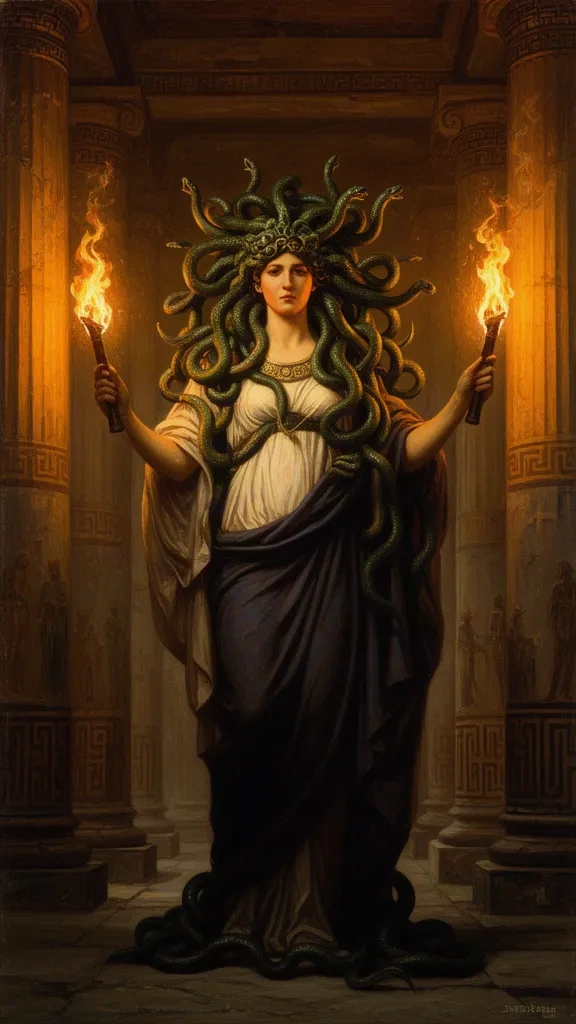
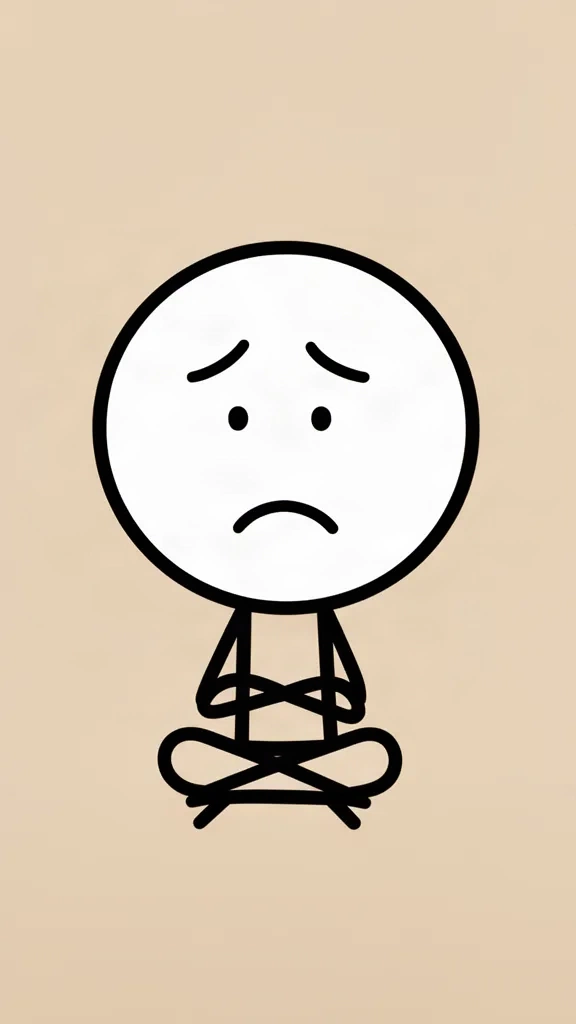
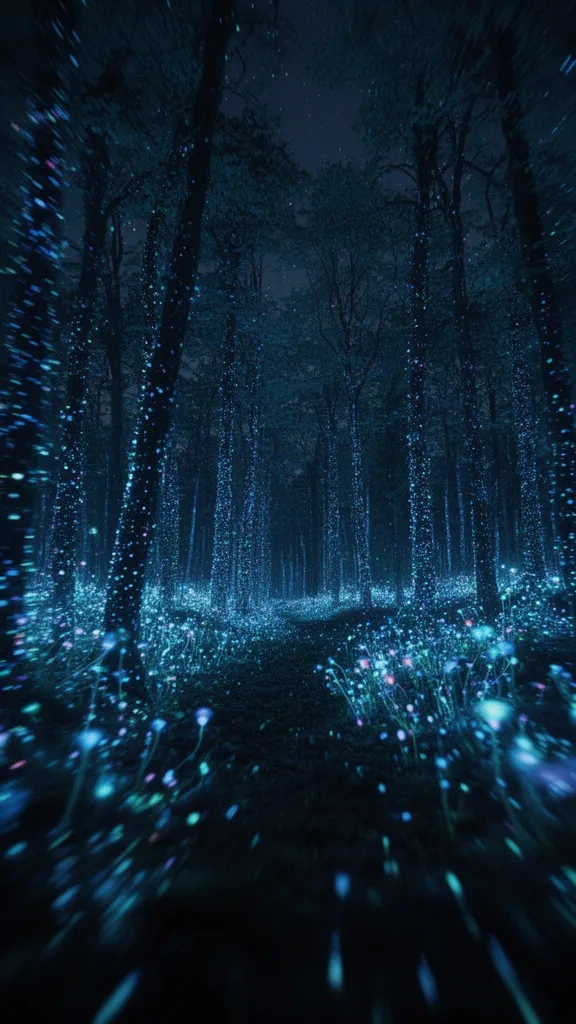
- 4Pick a voice and a visual stylePress ▶ to hear each voice. Then choose a style: cinematic, anime, stickman, 3D cartoon and more.
- 5Choose motion and captionsStill images are cheapest, camera motion adds zoom and pan, 'First 5 s real motion' opens with real AI video to stop the scroll, and Full Motion animates every scene. Then pick a caption style, position and size in the live preview.
- 6Make a test videoClick Test now. In 20 to 40 seconds you'll get a short preview with voice and captions. Not happy? Change the style or voice and test again.
- 7Launch or downloadLaunch the series to get a new video on your schedule, or download the MP4 and upload it yourself.
Tip: Start with 'First 5 s real motion'. It gets most of the impact of full AI video at a fraction of the credits.
What to do next
- Post at the same time every day for 2 to 3 weeks before judging results.
- Look at which hooks keep viewers past 3 seconds, then repeat that topic style.
- Add a recurring character so viewers start recognising your channel.