How it works
From idea to finished video in 5 simple steps
No camera, no microphone, no editing. Here's exactly how to use AI Short Videos.
Three ways to create
Quick start
Best for beginners
Answer a few simple questions and launch a channel in about 2 minutes. Proven defaults handle the rest.
Series wizard
Full control
Customise every detail: hook, script, voice speed, captions, music, branding, platforms and schedule.
Single video
One-off videos and stories
Paste your own story or script, in any language, and get one finished video narrated word for word.
Pick a niche or paste your story
Choose one of 29 ready-made niches (facts, horror, mythology, stickman, Reddit stories and more), or paste your own script.
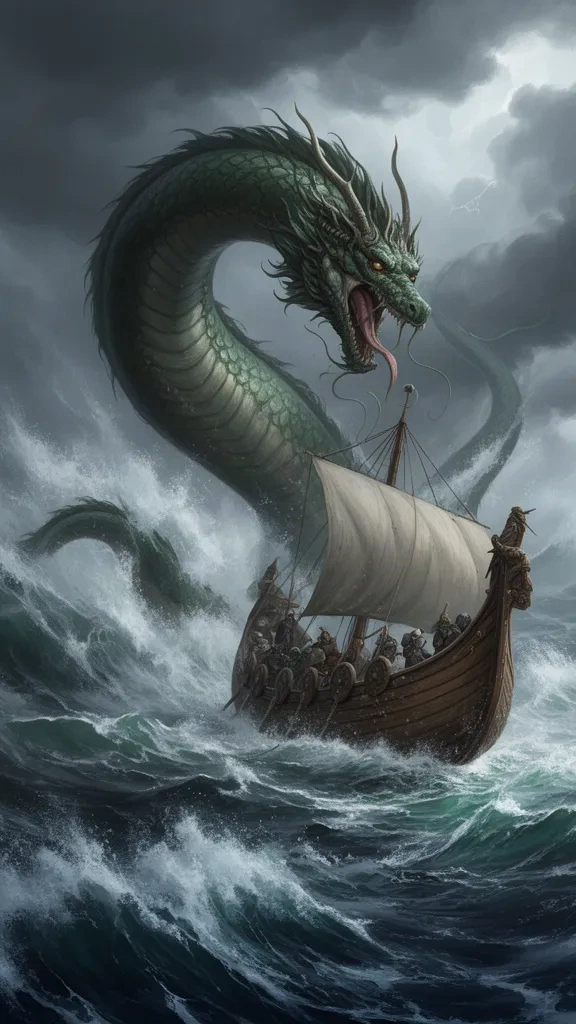
Choose a voice and a visual style
Listen to natural AI voices, then pick a look: cinematic, anime, 3D cartoon, stickman, watercolour and more. Add a recurring character if you like.
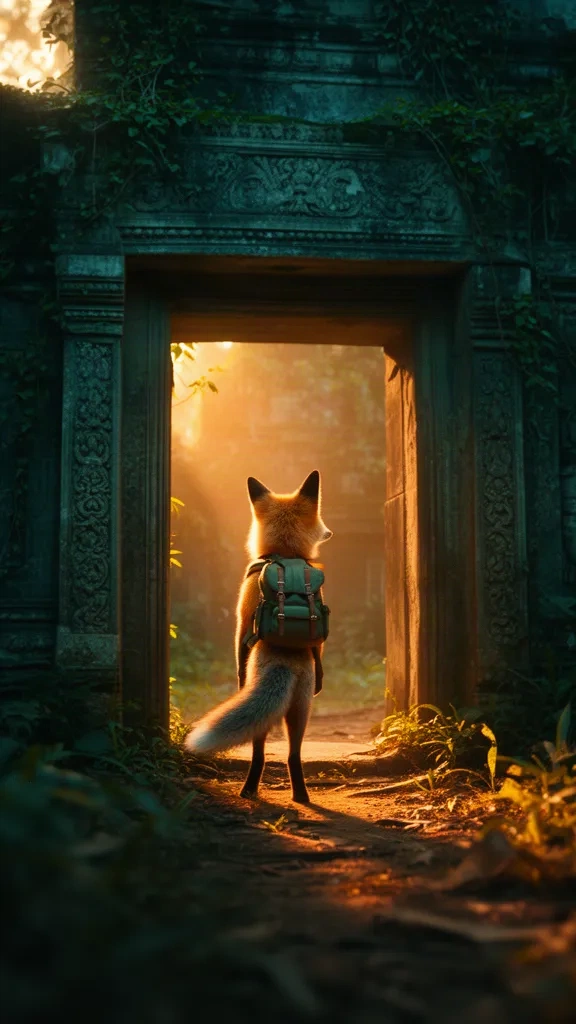
Choose motion and captions
Still images, camera motion, a real 5-second motion hook, or Full Motion. Then pick a caption style and where it sits on screen.
STOP THE SCROLL
Test it in seconds
Make a short test video first. Change anything you don't like and test again before spending more credits.
Download or put it on autopilot
Download the MP4 on paid plans, or launch a series that creates new videos on your chosen days and times.
Schedule
Pick days, times and time zone. New videos appear in Videos & Calendar.
Download
Get an MP4 with captions built in (paid plans), ready for any platform.
Grow
Post consistently, keep the hooks that work, and add a character people remember.
Ready to try it?
Your first video is free. Read the beginner's guide for more detail.