Guide · 5 min read · Oct 7, 2026
Full Motion vs animated images: which should you choose? (with credit costs)
Still images, camera motion, a 5-second motion hook or full AI video: what each looks like, what it costs, and when to use it.
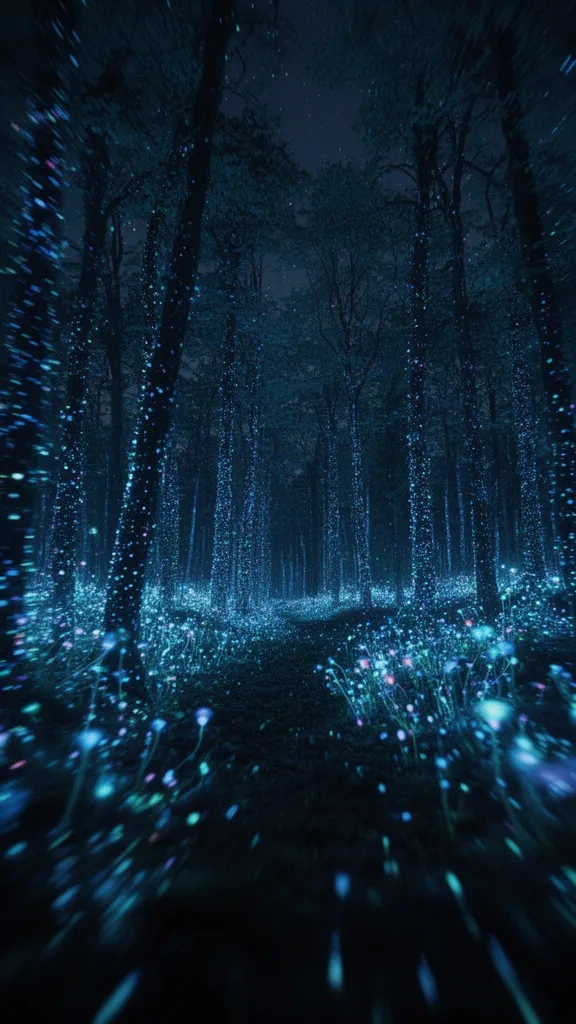
Real AI video clips look amazing but cost more to make. Images with camera motion cost little and still feel alive. Here is how to choose.
| Option | Looks like | Best for | Cost |
|---|---|---|---|
| Still images | Clean cuts between AI images | Quotes, lists, quizzes | Lowest |
| Images + camera motion | Slow zoom, pan or shake | Facts, stories, history | Low |
| First 5 s real motion | Real AI video opening, then animated images | Most channels (best value) | Medium |
| Full Motion | Every scene is real AI video | Cinematic stories, showcases | Highest |
Our recommendation
- Start with 'First 5 s real motion'. The first seconds decide whether people keep watching.
- Use Full Motion for your best episodes or trailers. Each plan includes a few Full Motion videos a month, and extra credit packs cover more.
- Pick a camera movement that fits the mood: zoom in builds tension, pan suits landscapes, shake fits horror and action.
Tip: Every option has a preview video in the Motion picker, so you can see it before spending credits.