Guide · 8 min read · Oct 22, 2026
Step-by-Step Guide: Make YouTube Shorts with AI in Minutes
Learn how to make YouTube Shorts with AI using niche templates, voices, languages & stunning visuals. Full tutorial for beginners to experts.

Creating viral content on YouTube doesn’t have to mean showing your face or learning fancy editing. In 2024, anyone can make YouTube Shorts with AI, producing fresh, eye-catching videos for any niche. AI-powered tools like AI Short Videos let you go from idea to published Short in minutes, even if you’re camera-shy, short on time or want to make content in multiple Indian languages. Here’s exactly how to do it, with tips for making Shorts that stand out—not spam.
Why Use AI to Make YouTube Shorts?
YouTube Shorts have exploded in popularity. If you want to reach new audiences or grow your channel, Shorts are a must—especially with the YouTube Partner Program’s new focus on Shorts views. But simply posting lots of low-effort videos isn’t enough: YouTube does not monetize mass-produced or repetitive content. Your Shorts need real stories, ideas, and visual flair.
This is where AI Short Videos shines: it helps you create unique, faceless, high-quality clips with original scripts, visuals, and natural voices—putting you ahead of the generic copy-paste crowd.
Make YouTube Shorts with AI: Step-by-Step
Here’s how you can use AI Short Videos to create (and customize) Shorts for YouTube and other platforms like Instagram Reels and TikTok:
1. Pick a Niche Template or Paste Your Own Story
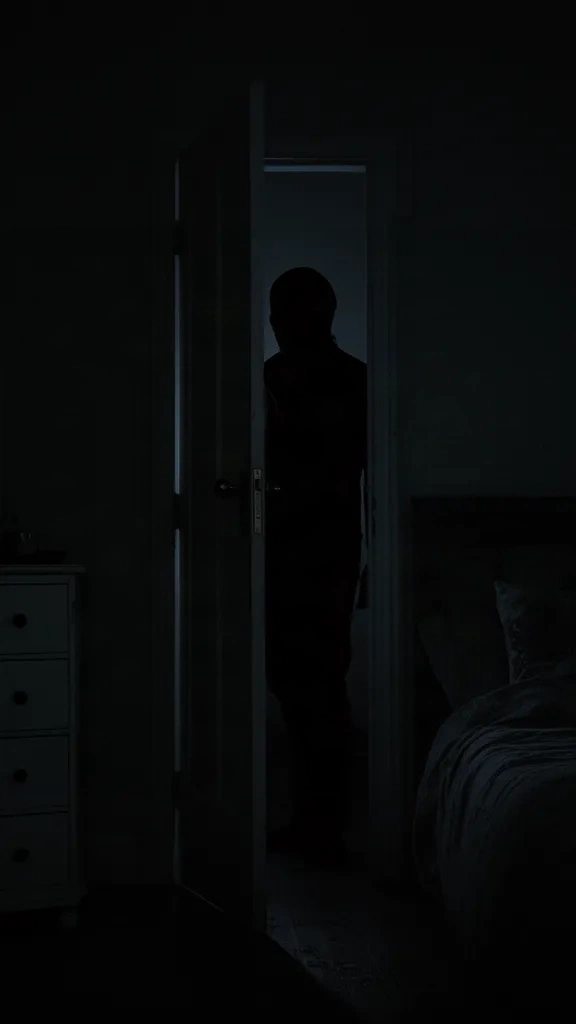
- Browse 49 ready-made AI templates for niches like horror, Buddha stories, facts and education, Hindi jokes, kids poems, cricket, stock market, and more.
- Every template pre-fills script, character lines, visuals, and voice settings. Use as-is, tweak a little, or swap any part.
- Want to tell your own story or share facts? Paste your script or idea and let AI Short Videos convert it into a voice-acted play, ready to go faceless.
- See all ideas & templates for inspiration.
2. Select Your Language, Voices, and Look
- Choose from 28 languages (including all major Indian languages, written in their own scripts), with matching captions.
- Pick from 21 natural AI voices—preview them to find what fits each character or let the AI choose automatically (especially for drama or kids stories).
- Set the visual style: cinematic, realistic, 3D animated, anime, comic, crayon doodle, and more. Choose what suits your audience and story.
- For music or energy, select voice pace and add background options (in templates).
3. Generate Your Video
- Click ‘Generate’. The AI writes or adapts your story to script format, creates visual scenes for each line, selects voices for every character, and adds synced, animated captions.
- For advanced users, adjust motion: from animated camera pans (quickest, uses pictures) to full scene animation, or even add a real clip to kick off your Short.
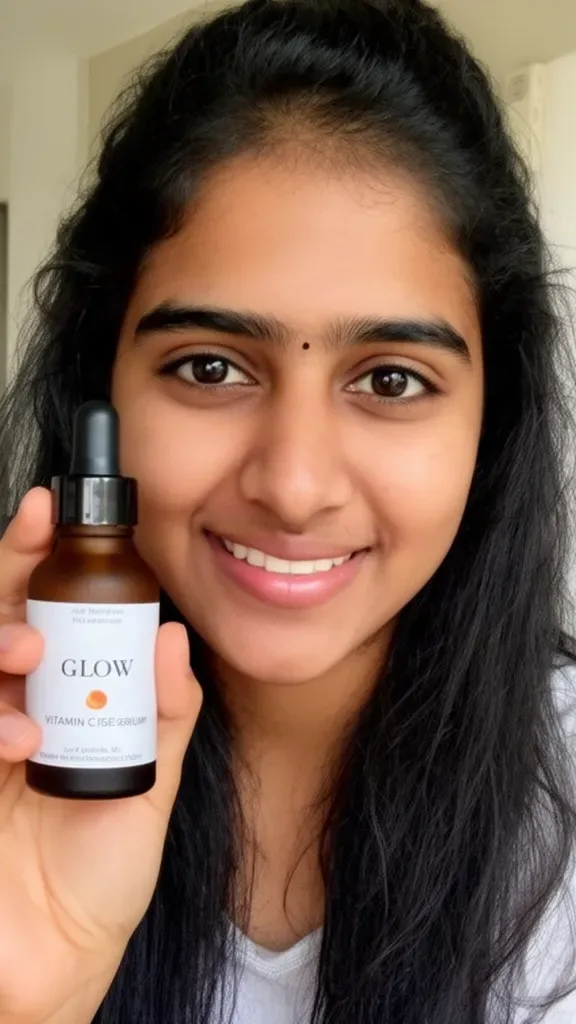
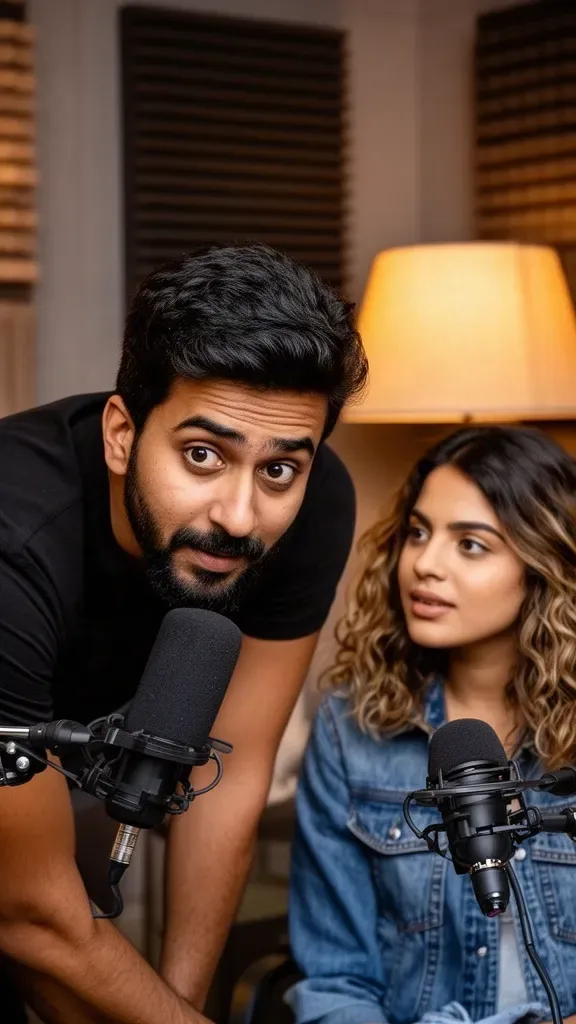
- Want to see UGC ads or podcasts? Try UGC presenter videos or AI podcast videos—great for reviews and trending dialogues.
4. Review and Edit: Polish for That Human Touch
Don’t just publish blindly—YouTube’s algorithm prefers videos that feel crafted, not churned out. In AI Short Videos you can:
- Change any script line or redraw a specific visual.
- Rerecord with a different AI voice or tweak voice pace.
- Translate the full video into other supported languages (great for Indian creators going multilingual).
- Fine-tune captions for clarity and local flavor (Hinglish, regional jokes, etc.).
- Turn your creation into a series: set your niche, look, and publishing days, and the tool will queue up fresh episodes for you to approve and post.
Tip: Watch your video as a viewer—does it grab you right away? Is the story original, not just a rehash? A few small tweaks can make it stand out.
5. Add Captions and Publish
- AI Short Videos auto-generates word-by-word animated captions matching your script and chosen language. You can edit them before export.
- Publish directly to YouTube in one click. TikTok and Instagram direct publishing are in beta, or download the MP4 (for paid plans) to post manually.
Table: AI Short Videos Quick Setup Guide
| Step | What to Do |
|---|---|
| Choose a template | Pick from 49+ niches (facts, stories, jokes, poems, news, etc.) |
| Language & voice | Select 28 languages, 21 AI voices, plus visual style |
| Generate | Let AI write, draw, voice, add captions automatically |
| Edit | Polish story, swap visuals or voices, change captions |
| Publish | Post direct to YouTube, or download MP4 for other platforms |
What Makes AI-Powered Shorts Look Good (Not Spammy)
You want Shorts that people watch all the way (for more reach) and YouTube can monetize. Here’s what works:
- Eye-Catching First 2 Seconds: Use a strong hook. For facts: “Aapko pata hai…?” For stories: “Andher raat mein kya hua, socho zara!”
- Unique Scripts: Each Short should say something new. That could mean an unusual fact, a twist in a story, or a point of view—not just reusing viral text.
- Realistic Voices (Not Robot Sounds): Preview AI voices and match to your niche. (Comic/3D Toon styles for kids, cinematic for drama, etc.)
- Original Visuals: AI draws every scene fresh, avoiding “template look” or repeated assets.
- Animated Captions: Help skipwatchers get the gist even if sound is off, and can boost retention for Hindi and regional-language audiences.
- Mix It Up: Rotate your templates, change up voice/gender, and update style every few videos to signal authenticity to YouTube.
Pro Tips for Perfect YouTube Shorts
1. Nail the Hook (First 2 Seconds)
Don’t waste the beginning! Your first 1-2 lines or frames should:
- Ask a question (“Do you know why…”)
- Tease a surprising fact (“Nobody expected what happened next!”)
- Set stakes fast (“Ek choti si galti, zindagi badal sakti thi...”)
2. Ideal Shorts Length
- <b>Keep most videos between 20 to 40 seconds.</b>
- Longer only if the story needs it (max for YouTube is 60 seconds).
- Too short = no time for a real story, too long = people swipe away.
3. Stay Fresh, Avoid Spam
- Don’t repeat intros/outros or overuse the same visuals/voices.
- Blend genres and storytelling: switch from horror one day to animal tales the next.
- Use series tools to stay productive but keep videos unique!
4. Show Original Value
- Share real stories from your life or community.
- Mix two topics for a unique angle (e.g., Mahabharata meets Cricket!)
- Add your own message with easy script editing before posting.
Growing Your Channel With Shorts
If you’re aiming for the YouTube Partner Program (1,000+ subscribers plus either 4,000 public hours or 10 million Shorts views in 90 days), quality matters. Focus on engaging topics, original insights, and strong community hooks—AI Short Videos gives you a shortcut to scalable but tailored content for niches like:
Bookmark your favourite niches and experiment with what clicks with your audience.
FAQ
How long does it take to make a YouTube Short with AI?
With ready-made templates, you can go from idea to finished Short in 3–5 minutes. Tweaking script, voices, or visuals adds a few extra minutes for quality.
Can I use AI Short Videos without showing my face?
Yes! All videos are faceless—AI draws each scene, uses voiceovers, and never asks for your selfie or webcam.
Are there free options to try before paying?
Yes—the free plan gives monthly credits and doesn’t need a credit card. Paid plans unlock longer videos, more exports, and downloads.
Will YouTube monetize my AI-generated Shorts?
If each Short is unique, adds original value, and avoids mass repetition, yes. But avoid making spammy, copy-paste, or “mass-production” style videos.
Ready to Make Your First AI Short for YouTube?
Start for free—no card needed—with instant templates and your choice of languages, voices, and visuals. Create your first video now.