Guide · 5 min read · Oct 9, 2026
Turn your own story or script into a video, word for word (Hindi, English and more)
Paste a story, such as a mythology tale in Hindi, and get a narrated video with matching scenes and consistent characters.
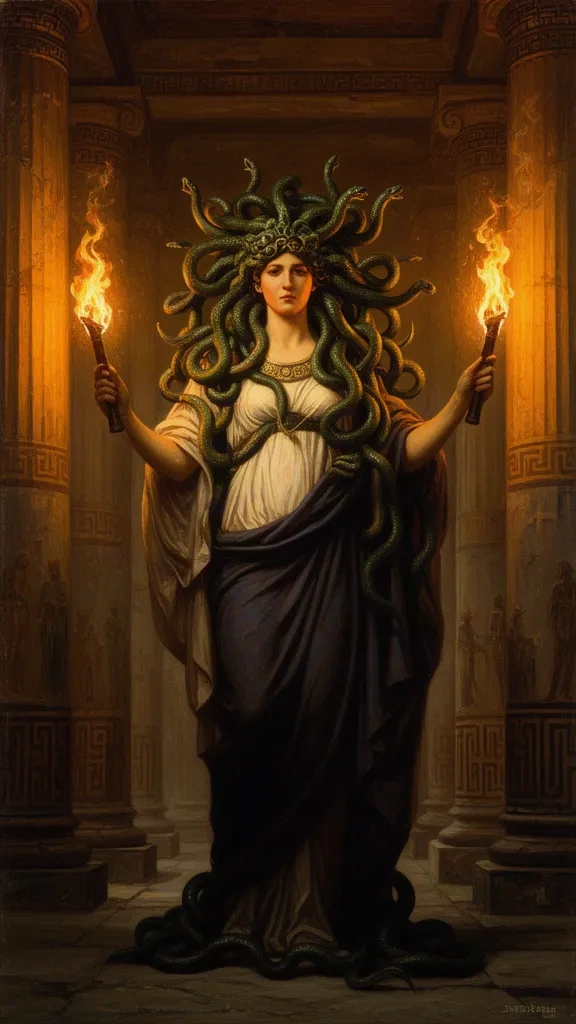
Many creators already have scripts: stories from ChatGPT, family tales, mythology, lessons. Story mode narrates your text exactly as written. AI only creates the visuals.
How to use story mode
- 1Open Single videoChoose 'I have a story / script' and paste your full text. Any language works, including Hindi in Devanagari.
- 2Add a visual promptDescribe how characters and places should look, for example: 'Lord Shiva with blue skin, matted hair, crescent moon and trident; Parvati in a red and gold saree; Mount Kailash.' This keeps characters the same in every scene.
- 3Pick a voice that suits the languageListen to a few voices. For Hindi, choose a warm storyteller voice.
- 4Choose motion, style and captionsCinematic or Indian-art styles suit mythology. Captions follow your exact words.
- 5GenerateThe video is split into scenes automatically, and every sentence is narrated exactly as you wrote it.
Running a story series
In Quick start or the series wizard, choose 'My own stories' and paste several stories separated by a line with three dashes (---). Each episode uses the next story in order. When they run out, AI writes new ones in the same style.
Tip: About 2.3 spoken words make one second. A 60-second video is roughly 140 words.